I got tired of juggling five apps, three sticky notes, and a calendar that looked like a Jackson Pollock painting. So I ditched all of it and went back to one old-school solution: a single notebook. No syncing, no notifications, no app-induced guilt spirals.
Just paper, a pen, and a method that actually keeps me on top of things. It’s simple, flexible, and surprisingly fast. If you want less chaos and more focus, you can steal my setup, tweak it, and call it your own.
Let’s go.
Why One Notebook Beats Five Apps
I tried the “app stack” life. It felt organized but always fragile—one hiccup and the system collapsed. With one notebook, I touch every task and every plan physically, which means I actually remember things.
Plus, zero friction. No updates. No hunt for the right widget.
Just flip a page and write. It’s fast enough to keep up with your brain, which—FYI—is the whole point.
The Notebook Layout (Simple, Not Minimalist Police)
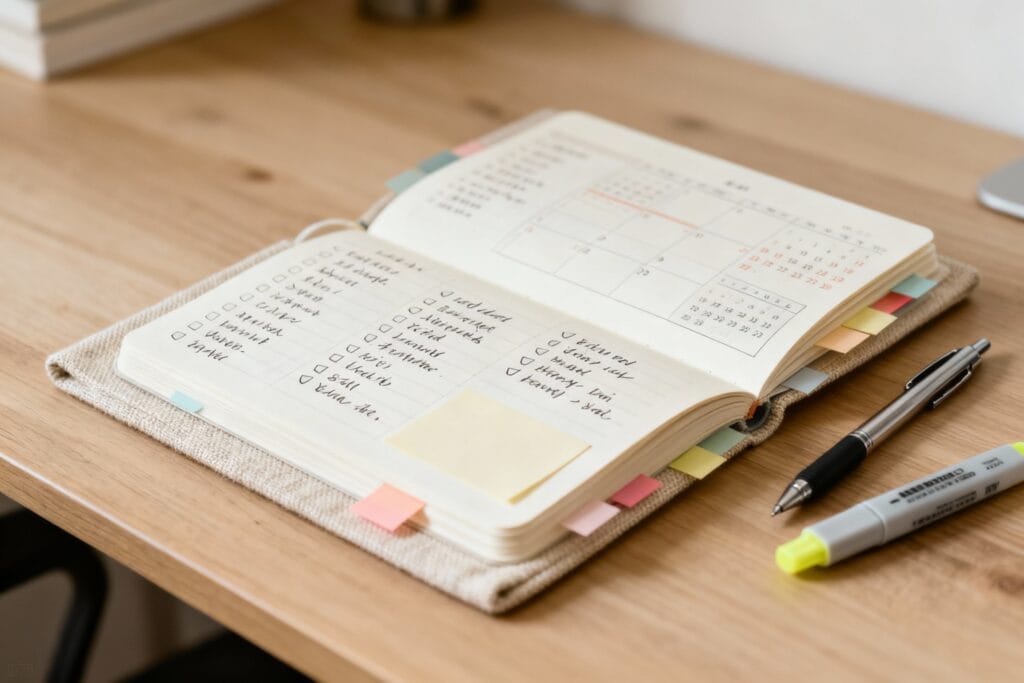
I keep the structure light so I don’t spend time “optimizing” instead of doing. Here’s the setup I use every time I start a new notebook:
- First 4 pages: Index – A quick reference for what lives where.
I number my pages as I go, then record key sections. Nothing fancy.
- Next 4 pages: Key Lists – Projects, Waiting On, and Goals. These get updated all the time.
- Then: Rolling Log – The rest of the notebook becomes daily pages (more on this below).
- Final 10-15 pages: Scratchpad – For messy brainstorming, mind maps, and doodles when I’m on calls pretending to focus.
What I Use (and Why)
– Any A5 notebook with page numbers or room to add them works. – A pen I like, because if it feels good to write, I’ll use it more. – A couple sticky tabs to mark “Today,” “Index,” and “Projects.” IMO, the tools don’t matter as long as you actually like them.
If you adore a $3 notebook, use it proudly.
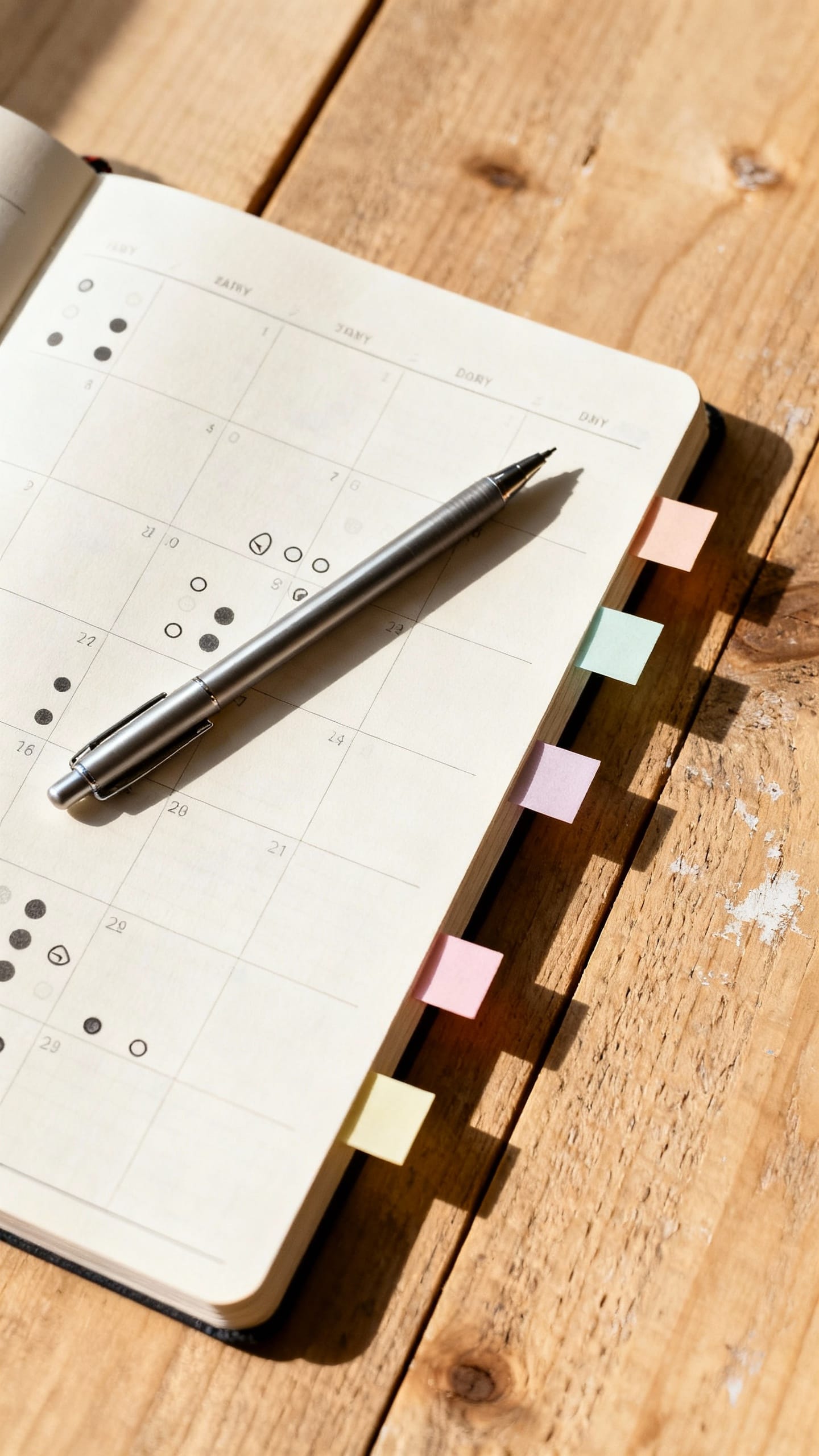
The Daily Pages: Where the Magic Happens
Every morning, I open a fresh page and write the date. That’s it. No templates.
No grid. I fill the page in sections as I go.
- Top: Big 3 – Three outcomes that define a “good day.” Not tasks. Outcomes.
Example: “Presentation draft sent.”
- Left column: Tasks – Bullet list of things to do. Simple dot (•) for a task, X when done, > when migrated.
- Right column: Notes – Snippets from calls, ideas, links to check later. It keeps everything in one place.
- Bottom: Tiny Wins – A couple things I did that weren’t planned.
It boosts momentum and beats the “I did nothing” feeling.
I never waste time drawing perfect boxes or setting up a beautiful page. I write fast and keep moving. Done beats cute.
The Symbols I Actually Use
– • task – X completed – > migrated to future day/project – ? clarify or research – ! decision needed – ♻ recurring task – ★ important (not urgent, but meaningful) That’s it.
Keep it light so your brain doesn’t need a decoder ring.
Weekly Reset: 20 Minutes, Big Payoff
Once a week—usually Friday afternoon—I sit down with a coffee and clean things up. The reset helps me stop carrying stale tasks week to week like a guilt sandwich. Here’s what I do:
- Scan last week’s pages – Migrate unfinished tasks with a > and either move them forward or kill them.
If it doesn’t matter, it dies.
- Update Projects list – Add pages or references to specific project notes. If a project has legs, it gets its own page.
- Review Goals – Circle one small step to move a goal forward next week. Nothing huge—just momentum.
- Plan the next Big 3 – Pick three outcomes for Monday.
Leave the rest open.
Pro tip: If you over-migrate tasks, you don’t have a to-do problem. You have a too-much problem. Adjust the scope, not the system.
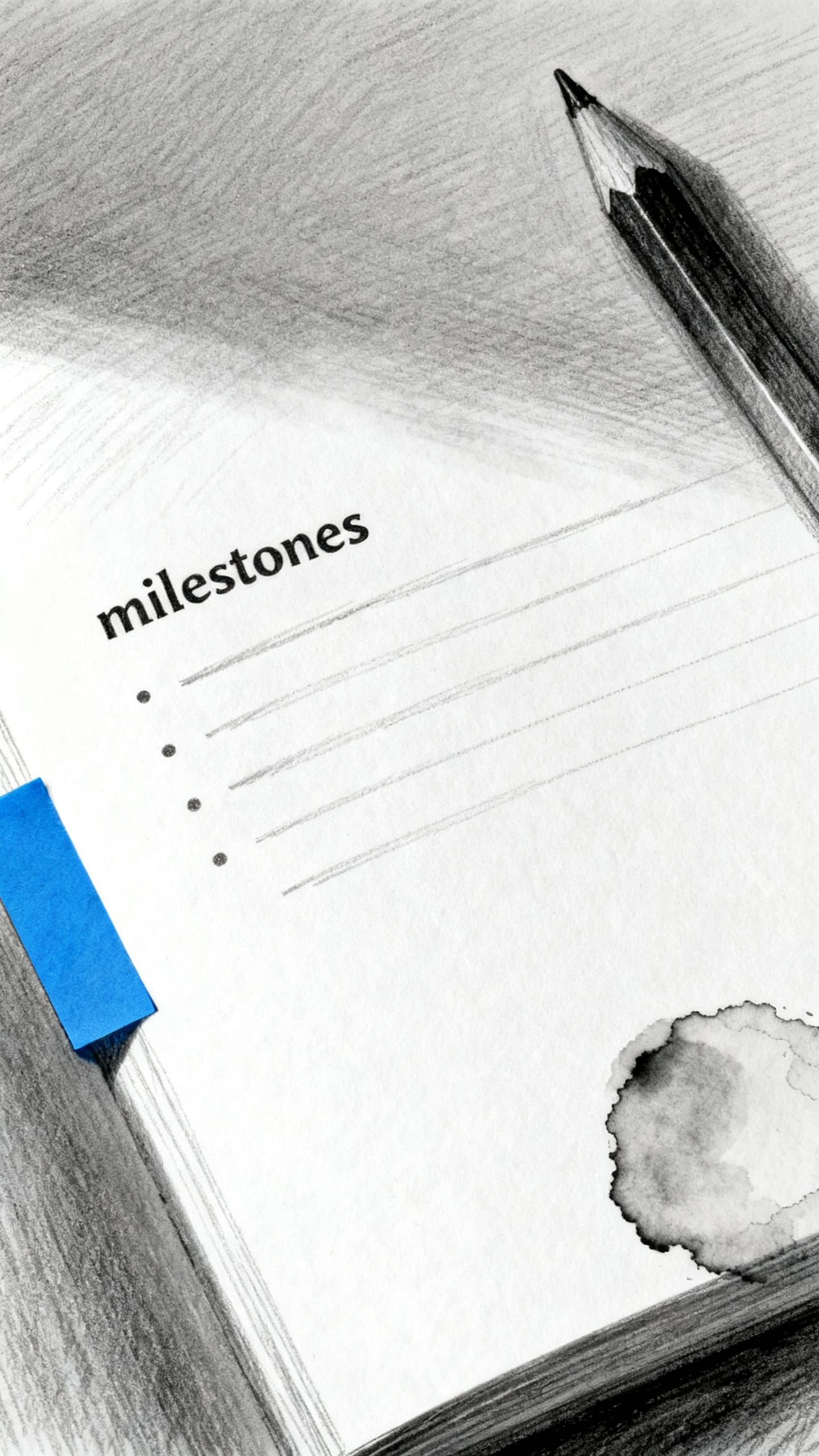
Project Pages That Don’t Become Graveyards
When a project becomes more than a few tasks, I give it a dedicated page.
I label it like this at the top: “Project: Website refresh (p. 42).” Then I add it to the Index. Simple.
How I Structure a Project Page
– Goal: one sentence, clear and specific – Milestones: 3-5 key checkpoints – Next actions: 3 items max (always action verbs) – Notes/decisions: keep them short and dated I don’t dump everything into the project page; I use it as a hub. Daily tasks still live on daily pages.
The project page just keeps the direction clear.
Capturing on the Go (Without Losing Stuff)

I keep a small inbox section at the back (last few pages). When I’m out or mid-call, I dump ideas there. Later, during my weekly reset, I process that inbox.
Processing looks like this: – If it takes under 2 minutes, I do it. – If it’s a task, it goes to the next day’s page. – If it’s part of a bigger thing, it goes to a project page. – If it’s “nice-to-have,” it goes on a Someday list and I stop thinking about it. FYI: The Someday list is where dreams go until they’re ready to fight for a spot on the calendar.
Simple Indexing That Actually Works
People overcomplicate indexing and then stop doing it. I keep it lazy and useful. I only index stuff I’ll want to find later.
- Projects – “Podcast launch – p. 18, 36, 57”
- Reference – “Meeting notes: Q2 planning – p. 44”
- Ideas – “Content hooks – p. 23”
When I add a new page to a project, I just append the page number in the Index.
No color-coding required. IMO, that’s where systems go to die.
Rituals That Keep It Alive
A system only works if you use it. I build tiny habits around the notebook so it never leaves my brain. – Morning: Write the date, Big 3, first three tasks. – Midday: Quick scan, adjust priorities, add notes from calls. – Evening: Migrate anything important, star one win, close the notebook.
I also keep the notebook visible. If it hides in a backpack, it disappears from my life like that one gym membership.
FAQ
Do you ever miss digital tools?
Sometimes, sure. I still use a digital calendar for meetings because I don’t hate myself.
But for planning, prioritizing, and thinking, the notebook wins. It keeps me focused and avoids the infinite scroll trap.
What if I need to share tasks with a team?
I pull shared tasks from our tool into my notebook as “Next actions.” I also jot any updates or talking points before meetings. The notebook guides my work; the shared tool captures the deliverables.
How do you handle recurring tasks?
I mark them with a ♻ symbol and write them on the next relevant day during my weekly reset.
If the task happens monthly, I note it in my Goals/Projects section with the month. No need for automation—just awareness.
What if a notebook fills up mid-project?
I start the new notebook, recreate the Index essentials, and copy active project pages. At the top of each copied project page, I write “Previous notes in Notebook 3: p. 42.” Low effort, high clarity.
Isn’t this just bullet journaling?
Kinda, but looser.
I borrowed the useful bits (bullets, migration, index) and ditched the perfectionism. No spreads, no habit trackers that judge me. Just enough structure to get things done.
How do you avoid rewriting the same tasks forever?
I don’t.
Rewriting exposes dead tasks. If I migrate something twice and still avoid it, I either shrink it (make the action smaller) or kill it. Rewriting forces decisions, which is the real productivity hack.
Conclusion
One notebook won’t turn you into a robot, and thank goodness.
It will give you a home base for your brain, a place to plan your day, and a way to keep projects moving without juggling six apps. Keep it simple, keep it honest, and keep the pages turning. The pen does the work, but the habit does the magic.
✨ Want to Stay Organized in Style?
If you’re into aesthetic planning and love keeping things simple, you’ll adore my $2 Digital Planner & Journal Collection!
🖤 Inside the shop, you’ll find:
- ✨ Guided Gratitude Journals
- 🗓️ Daily & Weekly Planners
- 🧠 Mindset + Self-Growth Pages
- 💖 Self-Care Templates
- … and so much more!
🎀 Everything is just $2, so you can stay organized without breaking the bank.
👉 Browse the full collection here and grab your favorite planners today!
EXPLORE MORE & SHINE DAILY
Discover self-care rituals, glow-enhancing routines, and beauty favorites in our BEAUTY section.
For cozy home inspiration, mindful routines, and soft everyday living, explore HOME & LIFESTYLE.
Find feminine outfits, effortless style ideas, and modern fashion inspiration in FASHION.
Love curated outfits and shoppable inspiration? Visit SHOP THE LOOK to recreate your favorite styles.
Looking for thoughtful ideas for every occasion? Browse our curated GIFT GUIDES.